


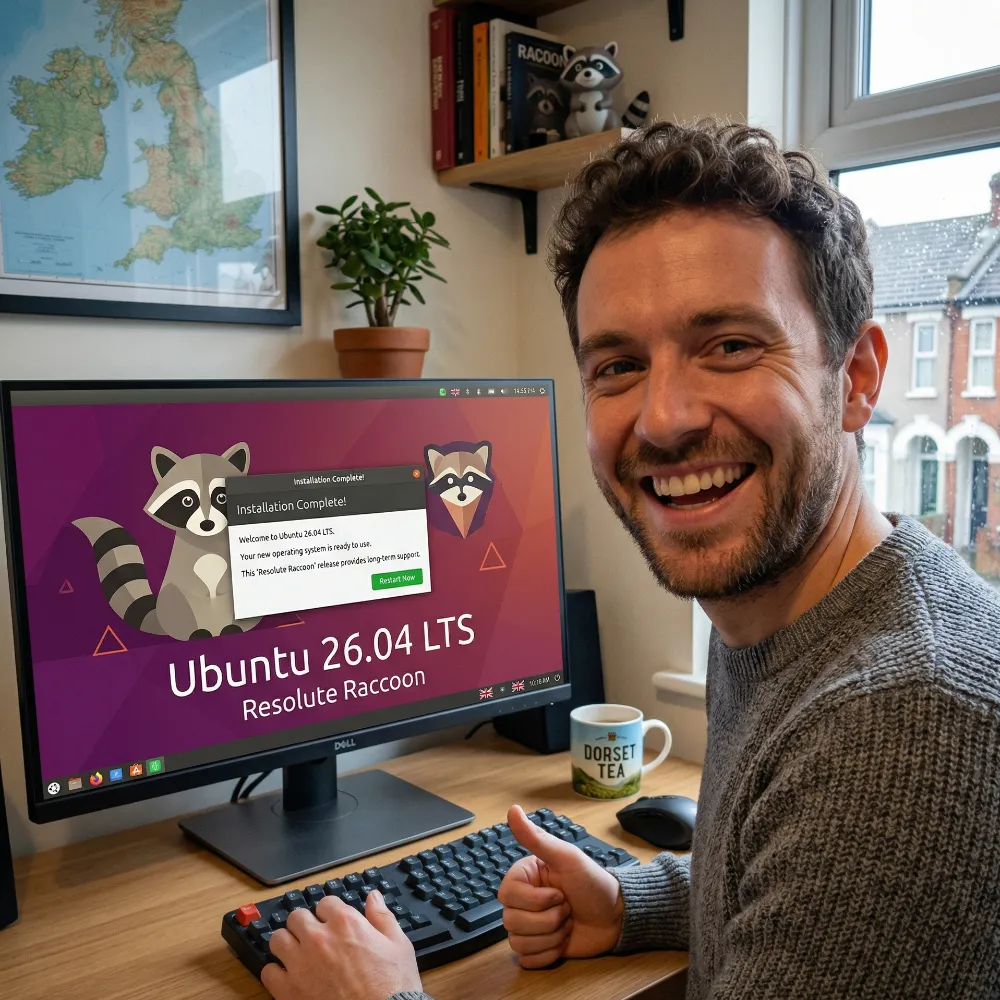

The release of Ubuntu 26.04 LTS, officially codenamed “Resolute Raccoon”, scheduled for 23 April 2026, already represents one of the most significant and widely discussed turning points in the entire history of GNU/Linux operating systems. As a Long Term Support distribution, this version will set the standards for corporate server environments, software engineering workstations, and personal computers until April 2031 (and under the Ubuntu Pro ESM extended security subscription, even up to 2036).
However, this is not merely an iterative software package update. It is a seismic shift. Canonical is introducing fundamental changes to the technological stack: from the implementation of the latest Linux 7.0 kernel, through the complete abandonment of the legacy X11 display server in favour of the Wayland environment, right down to deep, OS-level integration with Artificial Intelligence accelerators (NPUs). Yet, the most significant controversy and industry-wide discussion have been sparked by the official revision of the documentation. The system has introduced new hardware requirements that, on paper, exceed the baseline of Microsoft’s flagship product, Windows 11.
For whom is this radical evolution excellent news, and who will have to bid farewell to their favourite operating system? We invite you to read this in-depth, expert analysis prepared specifically for the readers of the CreativeArt blog.
Architectural Revolution Under the Bonnet: Linux Kernel 7.0
The heart of the technological performance leap in Ubuntu 26.04 is the full implementation of the Linux 7.0 kernel. The modifications introduced in this kernel revision have a direct and tangible impact on the speed of containerised environments, database management, and modern hardware support, showing unprecedented performance gains in synthetic tests.
Kernel 7.0 introduces fundamental modifications to the swap space handling mechanisms. According to independent analytical tests, this translates to a measurable 20 per cent performance increase in environments that intensively process data in memory, such as Redis databases.
For cloud infrastructure and DevOps engineers, however, the absolutely crucial innovation is the optimisation of namespace management. The deployment of the OPEN_TREE_NAMESPACE feature revolutionises the way processes are isolated. In previous kernel versions, initialising a new container forced the copying of the entire host mount namespace, generating unnecessary overhead. The new mechanism allows copying only a specific mount tree, which directly reduces the creation and startup time of Docker containers or Kubernetes environments by an impressive 40 per cent. Coupled with runtime updates to containerd (2.2.2) and runc (1.4.0), Ubuntu 26.04 becomes one of the most efficient platforms on the market for microservice orchestration.
From the perspective of file system stability, Linux 7.0 integrates a long-awaited self-healing monitoring feature for the XFS file system. Instead of forcing partition unmounting and manual repair tools, the new health system detects structural anomalies in real time and automatically initiates background repair processes. In the network stack layer, the kernel eliminates a 38-year-old design flaw in the TCP protocol by enabling the AccECN mechanism by default, which optimises throughput in heavily loaded server environments. It is also worth noting that Ubuntu 26.04 completely blocks the startup of older container environments relying on the legacy cgroup v1 standard.
GNOME 50 and the Final Farewell to the X11 Server
The changes in the user layer of the system are equally radical. Ubuntu 26.04 LTS delivers the updated GNOME 50 desktop environment (codenamed Tokyo), which finally seals the death of the X11 display server in Canonical’s mainstream distribution. The option to log into an X11 session has been entirely removed from the GDM login manager. Native operation of the Wayland environment has become the only supported path.
The decision to switch exclusively to the Wayland environment is driven by the desire to eliminate the architectural technical debt of X.Org. Wayland offers direct buffer sharing with the GPU, which completely eradicates screen tearing thanks to native and enforced vsync (frame synchronisation). Furthermore, in GNOME 50, fractional scaling mechanisms have been optimised to minimise blur at unconventional magnification ratios (e.g., 125% or 150%), drastically improving legibility on modern HiDPI displays. For gamers and video content creators, a key enhancement is the introduction of native support for Variable Refresh Rate (VRR).
The ecosystem of default GNOME applications has undergone deep restructuring. The vast majority of new tools have been implemented in the Rust programming language, which eliminates memory leak and buffer overflow errors at the compiler level. The Evince PDF viewer has been replaced by the more efficient Papers application, whilst the default GNOME Terminal has given way to the container-optimised Ptyxis programme. The traditional “Software & Updates” application has been divided: package installation is handled by the modern App Centre, while repositories are managed by the new Security Centre.
Hardware Cryptography and Zero Trust Policy
Ubuntu 26.04 “Resolute Raccoon” is the first version of the system aimed at a broad corporate audience to implement fully functional, hardware-supported disk encryption based on a TPM chip (TPM-backed Full Disk Encryption). This technology brings the Linux ecosystem up to par with enterprise-grade solutions known from Windows (BitLocker) and macOS (FileVault).
Traditional LUKS encryption required the user to enter a password at every boot, creating an administrative nightmare in server rooms. With TPM 2.0, the Key Encryption Key (KEK) is stored directly in a secure chip on the motherboard. The operating system verifies the integrity of the entire boot chain (bootloader signatures, kernel, Secure Boot keys). The mechanism releases the key only if the chip confirms that the low-level software has not been compromised by malicious code (e.g., bootkits).
However, it must be emphasised that the installer will block the hardware encryption option if the device uses custom Secure Boot keys, proprietary third-party drivers loading at startup, or if the disk controller operates in Intel RST/RAID mode rather than pure AHCI. Full, unattended cryptographic protection in Ubuntu 26.04 is reserved for purely native, fully attested hardware configurations.
The Hardware Requirements Paradox: Ubuntu 26.04 vs Windows 11
The decision that caused the most astonishment in the IT industry was the drastic increase in recommended hardware requirements. In the official documentation, Canonical declares that for the Desktop version to run smoothly, a dual-core 2.0 GHz processor and as much as 6 GB of RAM are essential. This is a dramatic leap compared to historical values.
Looking strictly at these numbers, the narrative suggesting that “Linux has become more resource-hungry than Microsoft’s software” seems tempting. However, from an engineering perspective, such conclusions are highly misleading because they are based on a misunderstanding of both companies’ policies regarding the enforcement of these hardware requirements.
Compatibility Gate vs Usability Baseline
Microsoft formulates its minimum requirements for Windows 11 (4 GB RAM, mandatory TPM 2.0) as a hard minimum compatibility gate. If your computer lacks TPM 2.0 or has an unsupported processor, the official installer will halt the process. Windows requirements are a tool for enforcing hardware modernisation and corporate security policy.
Canonical’s approach is entirely different. The 6 GB RAM parameter in Ubuntu 26.04 is a usability baseline—an honest engineering recommendation defining the threshold for a fluid, comfortable user experience. The installer will not block deployment on a machine equipped with 4 GB of RAM. Ubuntu 26.04 does not strictly impose the TPM 2.0 requirement either.
Why the growing appetite for resources? Modern applications (Discord, Slack, advanced IDEs) are built using the Electron framework. Furthermore, sandboxing applications in Snap containers drastically increases security but generates memory overhead, as containers maintain their own isolated execution library loops. In real-world scenarios with multiple browser tabs and the Wayland environment compositing the desktop, the 4 GB RAM limit is exhausted very quickly.
Who Will Lose Out? The Challenges for Older Hardware
The new hardware requirements are not just about RAM. Changes in the video stack and compilation processes herald objective technical issues for users of ageing workstations.
The Consequences for Old NVIDIA Graphics Cards
The absolute deprecation of the X11 server and the establishment of the Wayland environment as the exclusive path in GNOME 50 cause significant turbulence for older proprietary graphics drivers. Closed-source drivers from NVIDIA for older architectures (Kepler, Fermi) did not properly support Wayland-specific buffering solutions. The lack of an X11 fallback leads to a degraded user experience: rendering artefacts, cursor flickering, or software fallback (forcing the CPU to render graphics), which paralyses system performance and drains laptop batteries rapidly.
The x86-64-v3 Compilation Experiment
Another powerful vector affecting older hardware is the software package compilation policy. Canonical is migrating parts of the repository to a multi-architecture variant named x86-64-v3. This requires processors equipped with advanced vector instructions (AVX/AVX2), physically present in chips only from around 2015 (Intel Haswell / AMD Excavator). While the baseline ISO still supports older chips, algorithmic optimisations will primarily benefit modern computers.
For owners of decade-old machines with 4 GB of RAM, Canonical engineers provide a clear recommendation: install official derivative distributions like Xubuntu (XFCE environment) or Lubuntu (LXQt). This organically reduces the baseline hardware requirements of the graphics stack.
Who Are the Main Beneficiaries of Ubuntu 26.04?
Once we leave legacy hardware behind, the new platform emerges as an elite, high-performance skeleton for professionals.
- AI and Machine Learning Engineers: Ubuntu 26.04 becomes the native command centre for Artificial Intelligence. Canonical has eliminated the driver nightmare. You can install frameworks natively using
apt install cuda(for NVIDIA) orapt install rocm(for AMD Radeon). The system also includes the official Intel Linux NPU Driver for Panther Lake processors right out of the box, offering up to 15 years of security updates for open-source AI compilers. - Server and Cloud Administrators: Kernel 7.0, XFS self-healing, and accelerated Kubernetes orchestration make it the ultimate platform for Big Data and DevOps.
- Gamers and Streamers: Moving exclusively to the Wayland environment guarantees synchronous frame generation (V-Sync without driver overhead) and variable refresh rates out of the box, making it a robust alternative to Windows gaming.
Summary
The ecosystem around the latest Ubuntu 26.04 release proves a desire to shift from being a compromise system for older hardware to an elite framework for professional IT environments and private supercomputers.
Ubuntu 26.04 LTS has stopped being a lightweight system for resurrecting old electronics. The 6 GB RAM recommendation is a sober valuation of the social minimum required for secure Snap sandboxing and a smooth Wayland environment. Users of legacy hardware must confront the reality that progress leaves some components behind, but for those with modern equipment, this update delivers an uncompromising, incredibly stable, and exceptionally fast Unix system.
FAQ – Frequently Asked Questions about Ubuntu 26.04 LTS
When will Ubuntu 26.04 LTS be released?
The official launch of the stable Ubuntu 26.04 LTS release, codenamed “Resolute Raccoon”, is scheduled for 23 April 2026.
Does Ubuntu 26.04 really require more RAM than Windows 11?
On paper, yes – the official recommended hardware requirements state 6 GB of RAM (whilst Windows 11 requires 4 GB). However, unlike Microsoft’s system, the Ubuntu installer will not block the installation process if you have less memory. It is merely a recommendation to guarantee the perfectly smooth operation of modern environments and containerised applications.
Does the system still support the X11 environment?
Not in the main (GNOME) edition. The option to log into an X11 session has been removed, and the window manager now strictly defaults to using the Wayland environment. This means a massive improvement in fluidity and security, but it may cause issues on graphics cards that are more than a decade old.
I have an older computer with 4 GB of RAM and an old processor. What should I do?
System creators and IT experts advise against installing the main version of Ubuntu 26.04 with the heavy GNOME 50 desktop in such a scenario. A much better solution is to choose lighter distributions from the same family, such as Xubuntu (with the XFCE environment) or Lubuntu (with LXQt).
What does Ubuntu 26.04 offer Artificial Intelligence (AI) developers?
The latest release includes native, integrated support for AI accelerators (NPUs) from Intel and AMD, as well as the ability to install CUDA (NVIDIA) and ROCm (AMD) libraries via a single terminal command. This significantly simplifies the local development of Large Language Models (LLMs).
Leave a Reply