Category: FreePBX EN
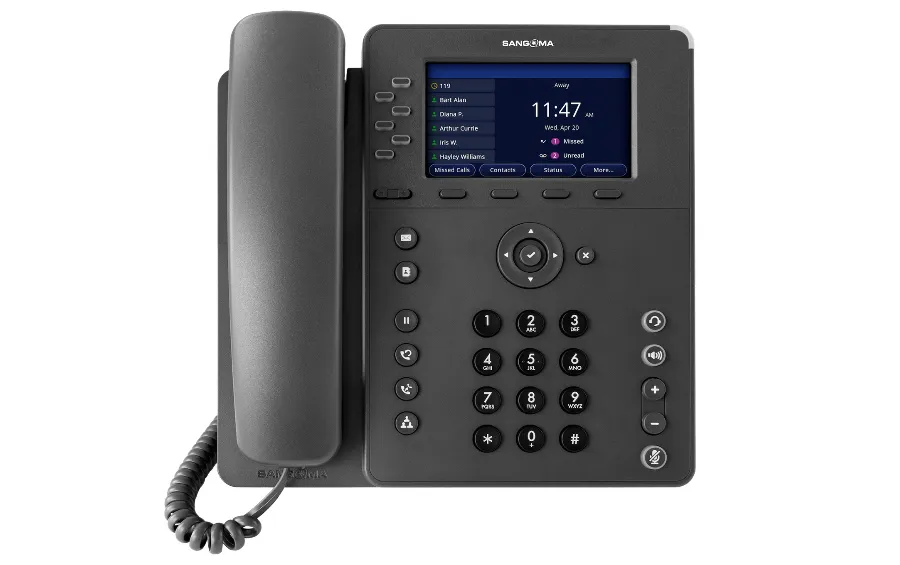
Is Sangoma P-Series for FreePBX the Best Choice? Expert Verdict

When building a VoIP system, the hardware you choose defines the user experience. For years, administrators have mixed and matched different brands, but with the introduction of the new line from the creators of the software itself, the question arises: Is Sangoma P-Series for FreePBX the best choice available on the market today? At Phones…
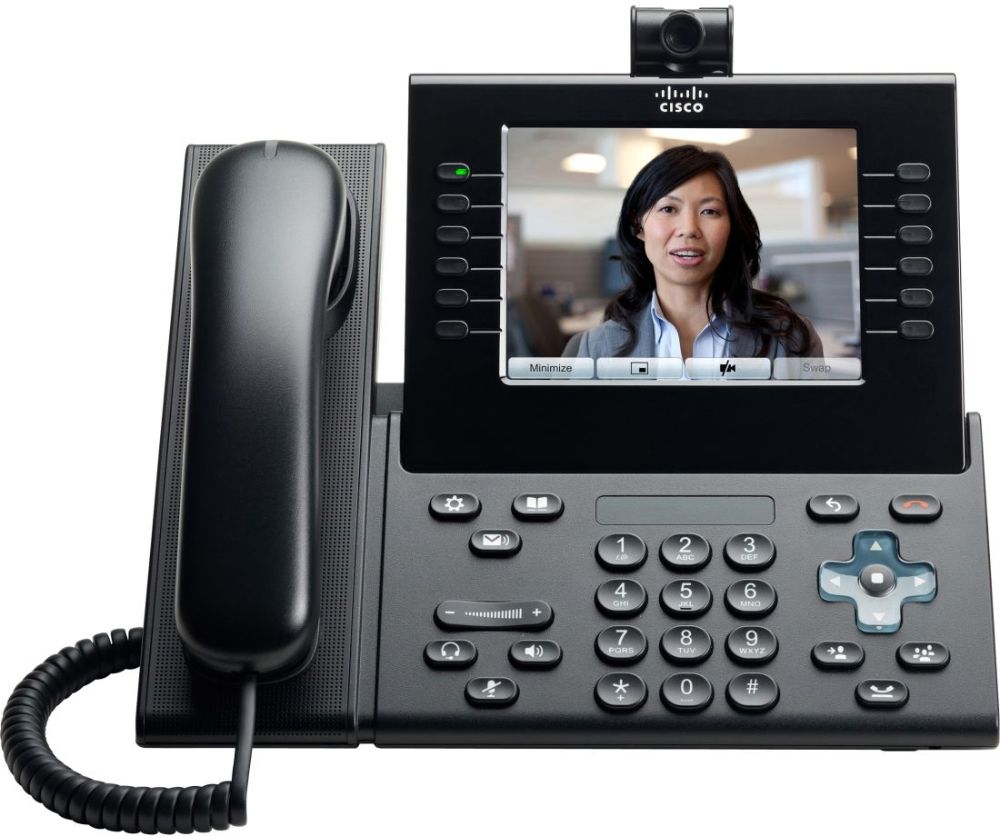
Cisco CP-9971 Configuration in FreePBX 17: XML Guide

Cisco CP-9971 Configuration in FreePBX 17: Challenges, XML, and Solutions Cisco CP-9971 configuration within an Asterisk environment is a process that requires not only deep protocol knowledge but also surgical precision in XML file editing. Recently, the Phones Rescue team in Bournemouth, part of the SolutionsInc group, completed an advanced telecommunications infrastructure modernisation project for…
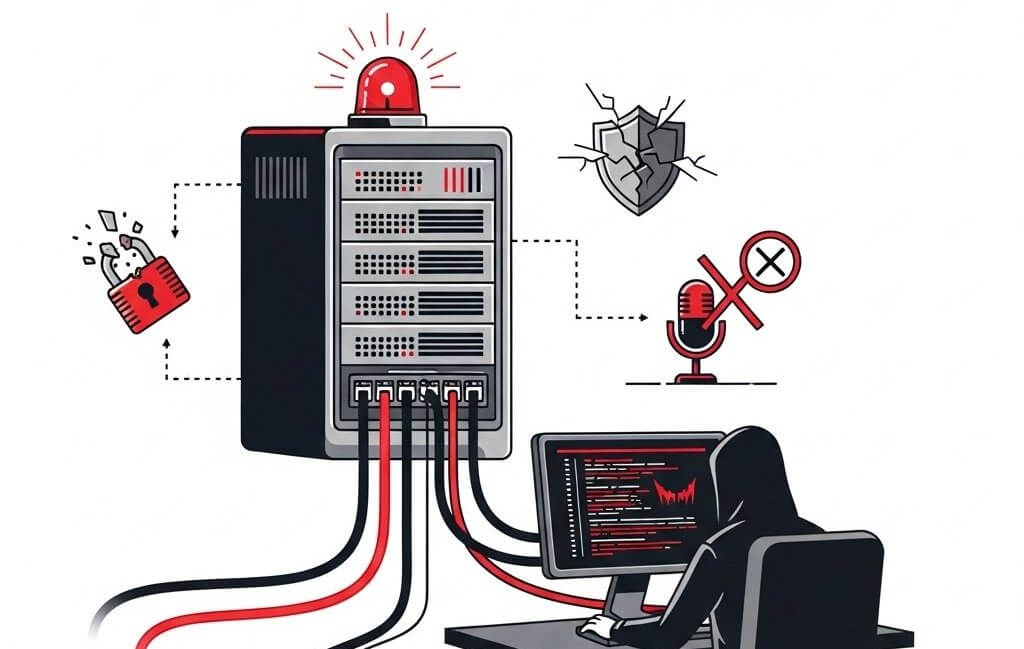
Error: Change ARI Username Password FreePBX Asterisk

In early 2023, the number of attacks on FreePBX Asterisk systems increased. The vulnerability exploited by hackers is the ARI interface. To gain access to the ARI interface, one must know the ARI username and password, but also the login details for the FreePBX administrative interface. This is why it is so important to use…
FreePBX SIP Trunk – Connecting to the world. Part 7

Once we have our internal telephone network configured (if not, check out our previous guides), it is time to connect our PBX to the external telephone network so that people can get through to us. To achieve this, we need a virtual phone number – either a landline or a mobile number, and a SIP…
FreePBX Adding a Cisco SPA525G2 VoIP phone part 6
FreePBX Adding a Cisco SPA525G2 phone After the initial setup of our FreePBX Asterisk, it’s time to add VoIP phones to our PBX so we can finally start making calls. The first to go will be the very successful, inexpensive, and easy-to-configure Cisco SPA525G2 VoIP phone. It is an improved version of the SPA525G model,…
FreePBX Extensions Part 5
Extensions are, among other things, all the telephones connected to our FreePBX Asterisk server. Extension Driver Types You should know that there are several types of Extension drivers: Applications – Extensions To manage extensions, go to Applications > Extensions. To add a new Extension, click on Add Extension and select the driver or interface type…
FreePBX Backup: Creation and Restoration, Part 4
The importance of a backup is only truly understood by those who have had to recover files from damaged data storage. Server administrators fall into two categories: those who perform backups, and those who will start performing backups. In this article, we will learn how to create backups locally, on an FTP server, on Dropbox…
FreePBX SSL Encryption: HTTPS and Let’s Encrypt – Part 3
By default, the FreePBX administration page operates on the unencrypted port 80 (HTTP). This means that all data, including usernames and passwords, is transmitted in plain text, making it easy to intercept, even by amateur hackers. While this may not be a significant issue if you only intend to manage your telephone exchange within a…
FreePBX First Steps Part 2
Now that FreePBX Asterisk is installed, it’s time to take a few more steps. I will show you how to update the system and modules from the browser’s GUI, as well as using SSH. We will also check the network and SIP settings. Let’s get started. Applying the Configuration Important: After changing many FreePBX parameters,…
FreePBX Installation – Your Own Telephone Exchange Part 1
FreePBX Installation Do you own a business and dream of recording all your calls, greeting customers when they ring your company, transferring them to other internal numbers, having a voicemail service for when the business is closed, and forwarding calls to a mobile, all for practically nothing? It couldn’t be simpler! The free telephone exchange,…