


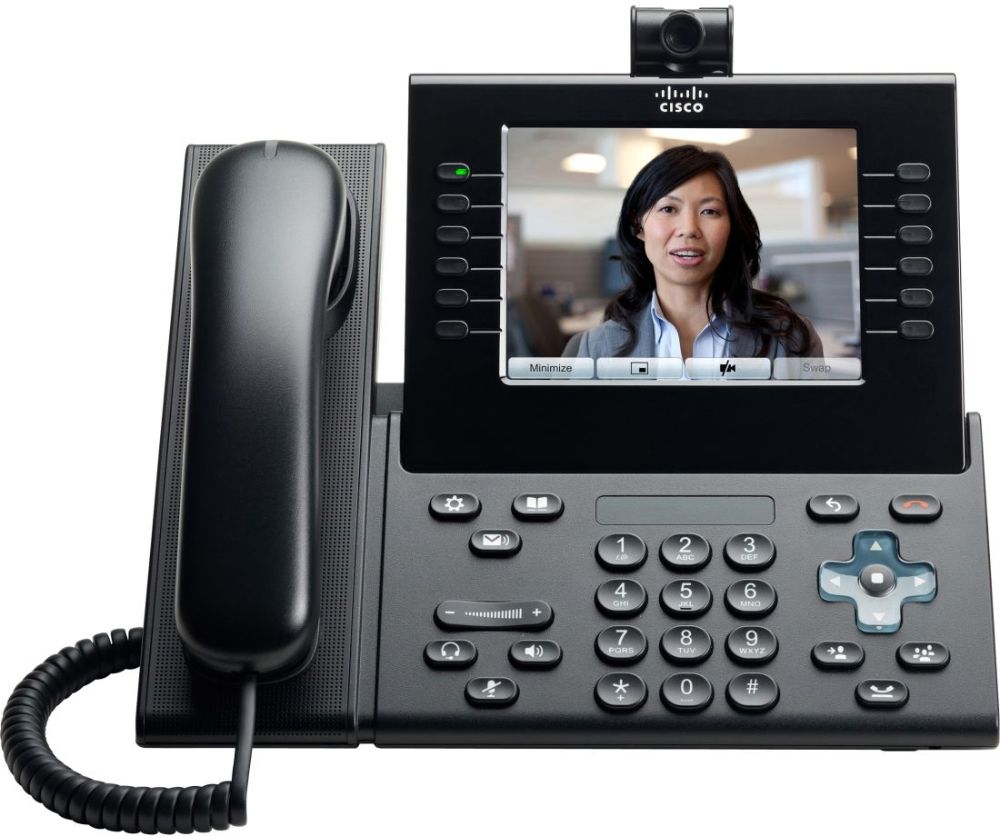

Cisco CP-9971 Configuration in FreePBX 17: Challenges, XML, and Solutions
Cisco CP-9971 configuration within an Asterisk environment is a process that requires not only deep protocol knowledge but also surgical precision in XML file editing. Recently, the Phones Rescue team in Bournemouth, part of the SolutionsInc group, completed an advanced telecommunications infrastructure modernisation project for Dartnall Decor. This deployment proved that with the right approach, these elegant handsets can become a reliable asset for any business.
The heart of the new system is FreePBX 17, and one of the most ambitious elements of the puzzle was the installation and adaptation of these VoIP terminals. While these devices are prized for their iconic design, colour displays, and phenomenal audio quality, integrating them with open Asterisk systems without proper XML knowledge is a daunting task. In this article, we detail how to overcome these barriers and what a correct Cisco CP-9971 configuration should look like.
Why are Cisco CP-9971 and FreePBX 17 a Challenging Pair?
Cisco Enterprise series phones (99xx, 89xx) differ significantly from standard SIP handsets like Yealink or Grandstream. They do not feature a web-based graphical user interface (GUI) for account settings. The entire intelligence of the device relies on an XML configuration file downloaded at every boot. Furthermore, moving to FreePBX 17 means working with the latest technology stacks, which eliminates legacy methods (like the chan_sip driver) in favour of the modern but more stringent pjsip.
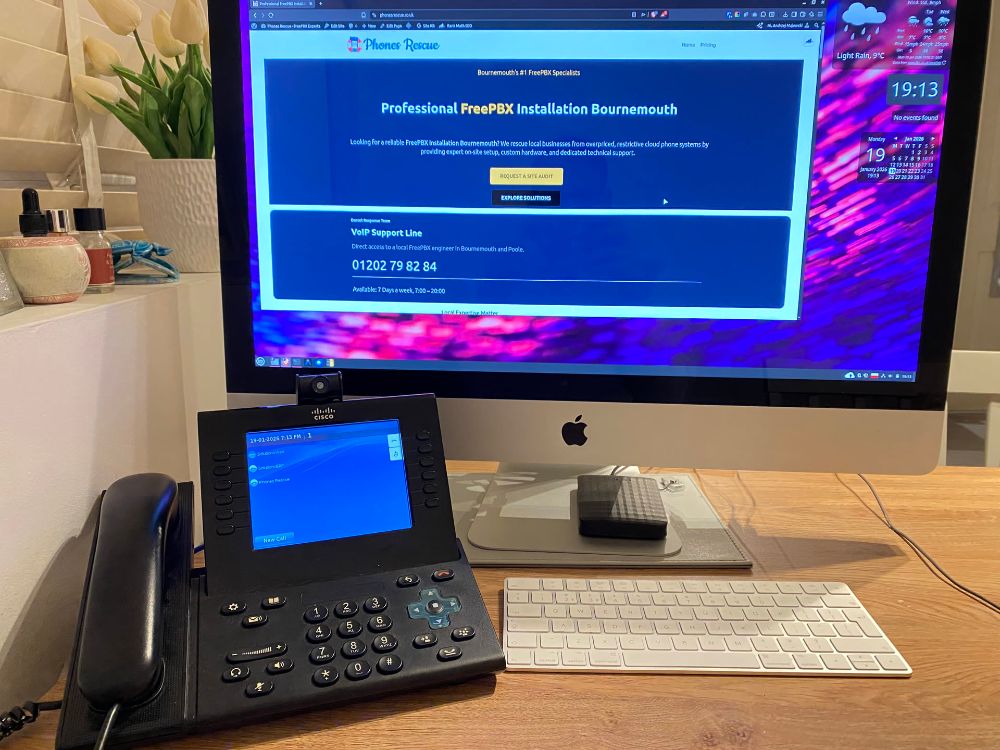
1. Cisco CP-9971 Configuration: TFTP Server and Firewall
Upon connecting to the network, Cisco phones search for a TFTP (Trivial File Transfer Protocol) server to download firmware and settings. Without this step, any Cisco CP-9971 configuration is impossible.
Preparing the /tftpboot Environment
In FreePBX 17, the TFTP service must be correctly installed and configured. All files mentioned in this article must reside in the /tftpboot/ directory. This is the “root” of the file server for the phones. You must ensure correct permissions so the service can read the files:
chown -R tftp:tftp /tftpboot/
Checking the FreePBX Firewall
Many deployments fail at the start because the built-in FreePBX firewall blocks port 69 (TFTP) by default.
- Navigate to Connectivity -> Firewall.
- In the Services section, ensure the TFTP protocol is assigned to the
InternalorTrustedzone. - If your office (as was the case with Dartnall Decor) has separate VLANs for voice, ensure the VoIP subnet is added as a trusted zone in the Networks tab.
2. Testing the Connection: Linux Mint Example
Before spending time editing complex XML files, it is worth ensuring the communication path between the phone and the server is clear. The best way to do this is using an external computer on the same network, for example, running Linux Mint.
Install a simple TFTP client:
sudo apt install tftp-hpa
Try to download the file that is intended for the phone:
tftp [FREEPBX_IP_ADDRESS]
tftp> get SEP[MAC_ADDRESS].cnf.xml
tftp> quit
If you receive a success message (e.g., Received 15420 bytes in 0.1 seconds), it means the file server and firewall are working correctly.
3. Cisco CP-9971 Configuration in FreePBX 17: SIP Settings
Here we come to key structural changes. FreePBX 17 has officially dropped support for the old chan_sip driver. All new setups must rely on the modern pjsip driver.
Key PJSIP Parameters:
- Transport: TCP REQUIRED. This is the most common mistake leading to a failed Cisco CP-9971 configuration. The standard UDP protocol does not work stably with this series. In the Extension settings in FreePBX, under the Advanced tab, force the transport to TCP.
- Secret (Password): Cisco has a strict password length limit. It must be a maximum of 31 characters and must not contain special characters (such as
!,#,*,$). If you use a special character, the phone will simply fail to send the registration packet. - Port: Ensure the SIP port (usually 5060 for TCP) is open in the firewall.
4. The XML File: The Key to Cisco CP-9971 Configuration
The file named SEP[PHONE_MAC_ADDRESS].cnf.xml controls every function of the terminal. If you make a syntax error, the phone will get stuck in a boot loop.
Vital XML Sections:
<loadInformation>: Here we enter the firmware file name (e.g.,P003-8-12-00). Note: Cisco phones require the SIP version of the firmware, not SCCP.<sipPort>: Set to 5060 (must match the PJSIP configuration in FreePBX).<callManagerGroup>: Defines the list of servers the phone can register to. Enter your FreePBX server IP here.<dateTimeSetting>: Crucial for time synchronisation. Cisco CP-9971 configuration requires the correcttimeZone(e.g.,GMT Standard/Daylight Timefor the UK) and an NTP server address.
Multimedia: Ringtones and Wallpapers
The CP-9971 comes with only two default ringtones and wallpapers. All personalisation happens via the /tftpboot/ directory:
- Ringtones: Require a
Ringlist.xmlfile and audio files in.rawor.wavformat. - Wallpapers: Require a
List.xmlfile in a specific subdirectory. All these multimedia elements must be declared in the main XML configuration file.
5. Dialplan.xml – Why You Can’t Call Without It
Every professional Cisco CP-9971 configuration must include a dialplan.xml file. Without it, the phone attempts to establish a call immediately after the first digit is pressed, making normal dialling impossible.
A correct dialplan instructs the phone: “if the number starts with 0, collect 11 digits before sending the request”. The deployment for Dartnall Decor required precise dialplan adjustments for British numbering in Bournemouth.
6. Debugging: sngrep and Asterisk Logs
In the world of VoIP, things rarely work perfectly the first time. Here is the toolkit we use at Phones Rescue:
Checking Port Listening
Log in to the terminal and check TCP port activity:
ss -ant | grep 5060
Real-time Logs
Run the console: asterisk -rvvv. When the phone tries to connect, you will see registration logs here. Look for authorisation errors (usually due to overly long passwords or special characters).
sngrep Analysis
This tool allows you to view SIP sessions graphically: sngrep. If you see a REGISTER request without any response, the firewall is likely dropping packets, or the phone is trying to communicate via UDP instead of the required TCP.
Summary and Bonus for Readers
A successful Cisco CP-9971 configuration in the FreePBX 17 ecosystem is highly rewarding and ensures top-tier call quality. Thanks to the stability of the TCP protocol, Dartnall Decor now enjoys a reliable communication system in their Bournemouth office.
Download Ready-to-Use Files!
Don’t waste time with trial and error. We have prepared a configuration pack containing a template SEP[MAC].cnf.xml, an optimised dialplan.xml, and the ringtone/wallpaper folder structure.
👉 Subscribe to our newsletter below to receive the download link and finish your Cisco CP-9971 configuration today!
Article prepared by the SolutionsInc team – your experts in IT and VoIP in Bournemouth.
Leave a Reply