


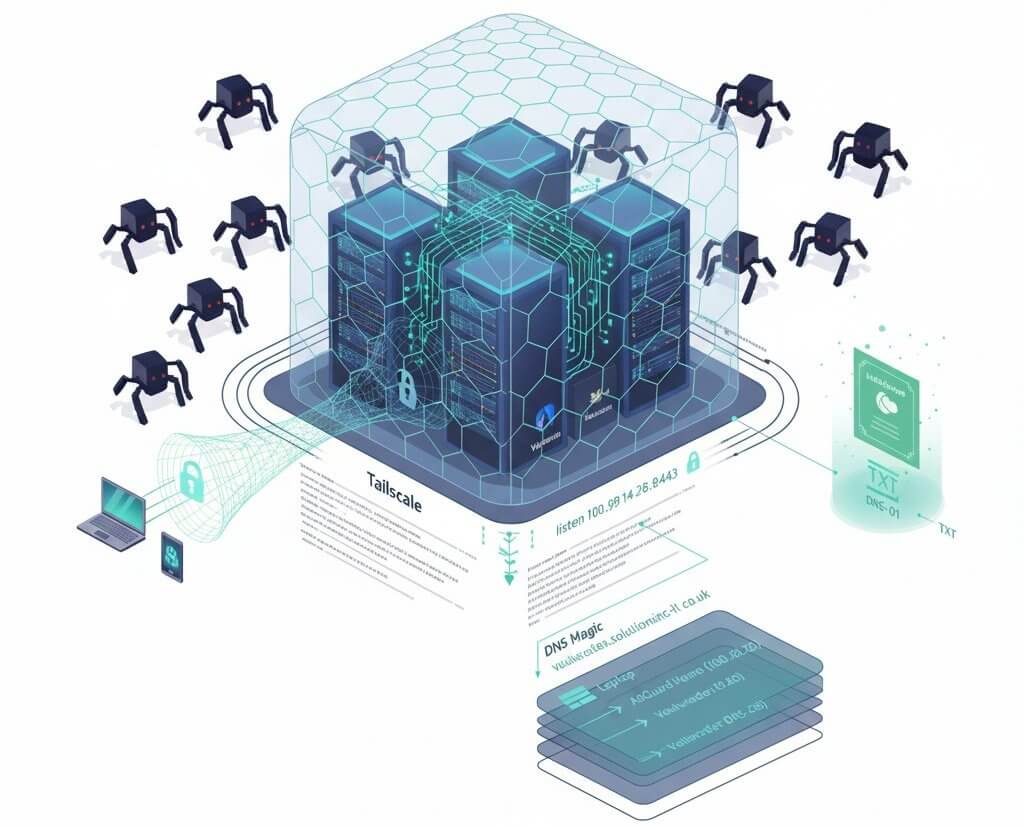

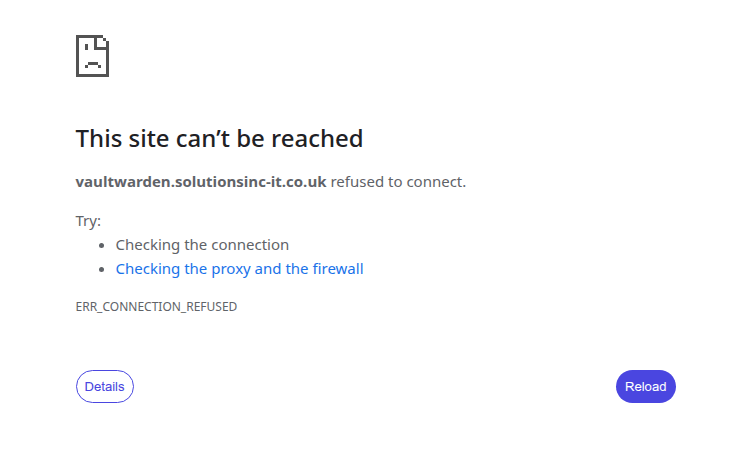
In today’s digital world, exposing any service to a public IP address is like sending an open invitation to uninvited guests. Automated scanners, password-guessing bots, and attackers searching for security vulnerabilities are relentless. But what if we could make our most critical applications—like a Vaultwarden password manager or a Wazuh security monitoring system—completely invisible to the public internet, while keeping them fully accessible to us from anywhere in the world? When anyone else tries to access the domain of any of our secured applications or sites, they’ll see an error:
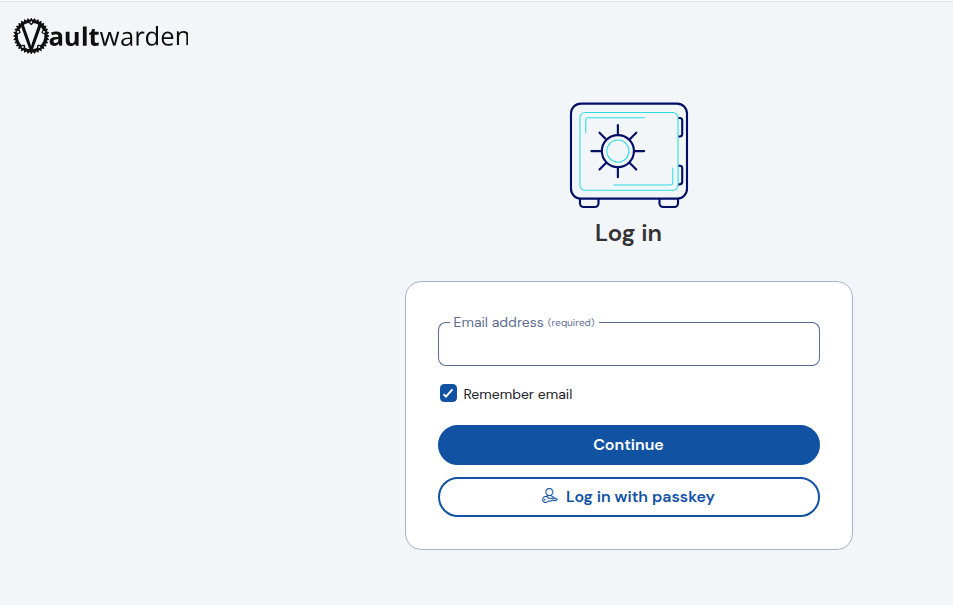
All we need to do is connect to our Tailscale network, and everything works perfectly.
Sound like magic? It’s simpler than you think. In this article, we’ll guide you through building a personal, armoured network that will hide your digital treasures from prying eyes. We will build a solution based on a VPS server, Tailscale technology, and a few clever configurations to give you peace of mind.
The Architecture of Our Fortress
Our goal is simple: to access our services using standard, easy-to-remember domains (e.g., vaultwarden.mydomain.co.uk), but only when we are connected to our private, secure network.
Here are the pieces of our puzzle:
- VPS Server: The central hub where our critical applications are installed: Wazuh, Vaultwarden, and AdGuard Home, which will play a key role as our internal DNS server.
- Tailscale: The secret ingredient. This is a free service based on the WireGuard protocol that creates a virtual, flat private network (a “tailnet”) between all our devices—the VPS server, a home TrueNAS Scale server, a laptop, or a smartphone.
- Nginx: A reliable reverse proxy that will act as an intelligent receptionist, directing traffic to the appropriate applications.
- Let’s Encrypt with Cloudflare: An automated SSL certificate system that will secure our connections, even if the server is hidden from the world.
Step 1: Invisibility with Nginx and a Non-Standard Port
The first step is to make Nginx stop listening on the server’s public IP address. Instead, we’ll tell it to listen exclusively on the private IP address that the server received from the Tailscale network (usually starting with 100.x.x.x).
During our tests, we discovered a crucial fact: the Tailscale daemon on the server reserves the standard HTTPS port 443 for its internal functions. Fighting it is pointless. Instead, we get around the problem by moving our private services to another, high port—in our case, 4443.
Here’s the final, simplified configuration for one of our services, Vaultwarden:
# /etc/nginx/sites-available/vaultwarden

# This block captures traffic on port 80 and immediately redirects it
# to our secure, non-standard HTTPS port.
server {
    listen 100.98.14.29:80;
    server_name vaultwarden.solutionsinc-it.co.uk;
    return 301 https://$host:4443$request_uri;
}

# The main block that handles our service
server {
    # Listen only on the Tailscale IP and the non-standard port 4443 with SSL enabled
    listen 100.98.14.29:4443 ssl http2;
    server_name vaultwarden.solutionsinc-it.co.uk;

    # Standard Let's Encrypt certificate configuration
    ssl_certificate /etc/letsencrypt/live/vaultwarden.solutionsinc-it.co.uk/fullchain.pem;
    ssl_certificate_key /etc/letsencrypt/live/vaultwarden.solutionsinc-it.co.uk/privkey.pem;
    include /etc/letsencrypt/options-ssl-nginx.conf;
    ssl_dhparam /etc/letsencrypt/ssl-dhparams.pem;

    location / {
        proxy_pass [http://127.0.0.1:8080](http://127.0.0.1:8080); # Pass the traffic to the local application
        # ... additional proxy headers ...
    }

    # ... other necessary blocks, e.g., for WebSockets ...
}
We apply the same structure for Wazuh, AdGuard, and any other application we want to hide.
Step 2: DNS Magic, or How to Hit the Target
Since the server is invisible, how do our computers know that vaultwarden.solutionsinc-it.co.uk is located at the private address 100.98.14.29? This is where the combined power of Tailscale and AdGuard Home comes in.
- Split DNS in Tailscale: In the Tailscale DNS panel, we use the “Split DNS” feature. We create rules that say: “For the domain
vaultwarden.solutionsinc-it.co.uk(and our other private domains), the correct IP address is100.98.14.29.” - Central AdGuard DNS: In the Tailscale panel, we set our AdGuard’s IP address on the VPS (
100.98.14.29) as the one and only “Global nameserver” for our entire network. This makes all DNS queries from our devices hit it first. - DNS Rewrites in AdGuard: This is the final, crucial element. In the AdGuard Home panel, under Filters -> DNS rewrites, we create simple rules:
vaultwarden.solutionsinc-it.co.uk -> 100.98.14.29security.solutionsinc-it.co.uk -> 100.98.14.29- And so on.
As a result, when you type vaultwarden.solutionsinc-it.co.uk into your browser, the query goes to your AdGuard, which, instead of asking the public internet, immediately responds with the correct, private IP address.
Step 3: The Invisible Certificate Guardian
One last problem remains: how to automatically renew Let’s Encrypt certificates for a server that’s invisible to the public internet? The standard HTTP verification method won’t work.
The solution is the DNS-01 challenge. We use the certbot-dns-cloudflare plugin for this. After a one-time configuration, which involves generating a Cloudflare API token and saving it on the server, certbot will automatically add and remove a special TXT record in our DNS zone when renewing the certificate. Let’s Encrypt verifies this record, confirming our ownership of the domain without needing to connect to our server. This makes the entire setup 100% maintenance-free.
Summary: Peace of Mind for the Price of a Port Number
After implementing this configuration, we’ve achieved something remarkable. Our most important applications are no longer just password-protected—they simply don’t exist to anyone outside our private network. Attackers can’t even check if any service is running on our server. The attack surface has been reduced to almost zero.
The only price for this level of security is having to add :4443 to the end of the address. It’s a small inconvenience in exchange for peace of mind and the certainty that our digital fortress remains invisible to the rest of the world.
Leave a Reply