




Have you ever searched Google for “youtube to mp3”, only to land on a page full of pop-up ads, fake “Download” buttons, and suspicious redirects? As a programmer and audiophile, I decided: enough.
Having Python, the yt-dlp library, and the PyQt6 framework at my disposal, I decided to build my own desktop tool. No ads, no tracking, running natively on Ubuntu and Windows.
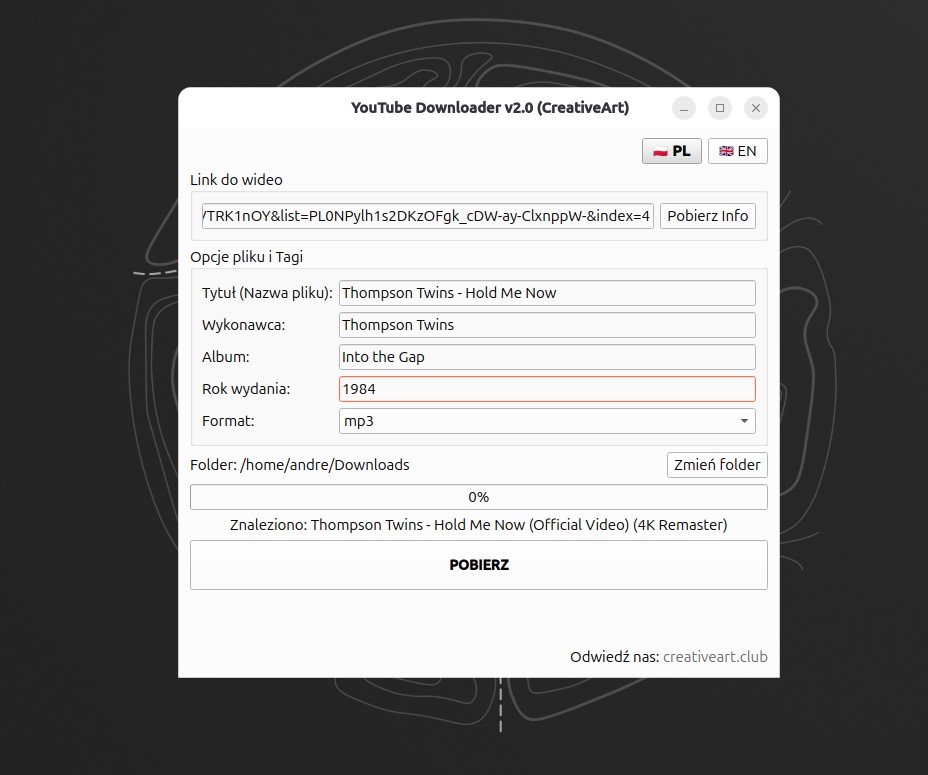
Initially, it was supposed to be a simple script, but the appetite grows with eating. The project evolved into a full-fledged application with multi-language support, file tagging, and a professional installer. Here is the technical history of this project.
Foundations: Why yt-dlp and PyQt6?
The heart of the project is yt-dlp – a powerful CLI tool, being an actively developed fork of the old youtube-dl. It handles most of YouTube’s protections and offers great quality, beating web services hands down.
As a graphical “wrapper”, I chose PyQt6. Why not the simpler Tkinter?
- Appearance: The “Fusion” style looks modern and professional on both Linux and Windows 11.
- Signals and Slots: A mechanism ideal for communication between logic and the interface.
- Multithreading (QThread): This is crucial. Without it, the application would “freeze” (UI becoming unresponsive) whilst downloading a large file.
Architecture: Separating UI from Logic
In the first version of the code, everything was in one file. However, I quickly divided the project into modules, which facilitated later expansion:
downloader_logic.py(Backend): Here live the threads (QThread) that talk toyt-dlp. This is where the magic of downloading, FFmpeg conversion, and metadata injection happens.main_window.py(Frontend): Definition of buttons, text fields, and progress bars. This file doesn’t know how to download, it only knows who to ask to download.main.py: The starting point tying everything together and loading resources (icons).
Stage 1: Teething Troubles
Challenge: “Playlist Hell”
During testing, I encountered an annoying bug. Pasting a link to a track that was part of a “YouTube Mix” (parameter &list=RD...), the program tried to download… the entire playlist, i.e., hundreds of tracks.
Solution:
I implemented a URL cleaning function and forced the noplaylist flag in the configuration:
def clean_url(url):
    if "&list" in url:
        return url.split("&list")[0] # Cut off the playlist
    return url

# yt-dlp configuration
ydl_opts = {
    'noplaylist': True, # Key to success
    # ...
}
Stage 2: Going PRO (v2.0)
Once the basics were working, I missed features that distinguish a “script” from an “application”.
1. Global Interface (i18n)
The first version was strictly Polish. I wanted the application to support English as well, with on-the-fly switching. Instead of complicated gettext, I used a Python dictionary:
TRANSLATIONS = {
    "PL": { "title": "Pobieracz YouTube", "btn_download": "POBIERZ", ... },
    "EN": { "title": "YouTube Downloader", "btn_download": "DOWNLOAD", ... }
}
The retranslate_ui() method swaps all texts in the interface immediately after clicking the 🇵🇱 or 🇬🇧 flag.
2. Library Order: Metadata and Tags
Downloading is one thing, but a mess in the music library is another. Files from YouTube often have the name Video Title.mp3 and empty ID3 fields.
Solution: I expanded the UI with Artist, Album, and Year fields, and pass this data directly to ffmpeg via yt-dlp:
ff_metadata_args = []
if self.artist:
    ff_metadata_args.extend(['-metadata', f'artist={self.artist}'])
if self.year:
    ff_metadata_args.extend(['-metadata', f'date={self.year}'])

ydl_opts = {
    # ...
    'postprocessor_args': {'ffmpeg': ff_metadata_args}
}
Thanks to this, the MP3 file on the phone displays with the correct artist and release year.
3. Branding and Links
I added a clickable link to my site in the footer, using HTML in QLabel:
self.lbl_footer.setText("Visit us: <a href='[https://creativeart.club](https://creativeart.club)'>creativeart.club</a>")
self.lbl_footer.setOpenExternalLinks(True)
Deployment: How to ship it?
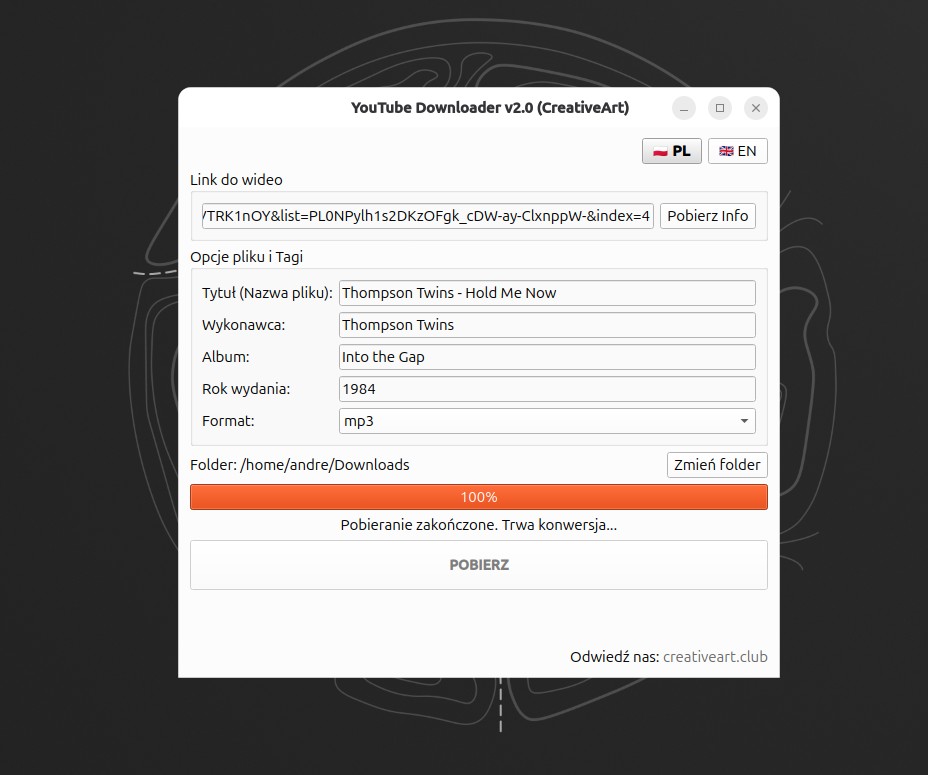
Writing the code is half the battle. The second half is making it launch like any other application – by clicking an icon.
The “Disappearing Icon” Problem in EXE
This is a classic PyInstaller problem. The file works in the IDE because logo.ico lies next to it. After compiling to a single .exe file, the program doesn’t see the icon.
The solution is the resource_path function, which looks for files in the temporary folder sys._MEIPASS (where PyInstaller unpacks resources during startup):
def resource_path(relative_path):
    try:
        base_path = sys._MEIPASS
    except Exception:
        base_path = os.path.abspath(".")
    return os.path.join(base_path, relative_path)
Build Automation (Windows & Linux)
I created intelligent scripts that automate the process.
Windows Specifics (build_app.bat):
The script packs the icon inside the .exe file using the –add-data flag.
pyinstaller --noconsole --onefile --icon=logo.ico --add-data "logo.ico;." main.py
Important: On Windows, the user must have the ffmpeg.exe file in the same folder as the application for MP3 conversion to work.
Linux Specifics (build_linux.sh):
Here we use the separator :. Additionally, I created a create_shortcut.py script that generates a .desktop file in ~/.local/share/applications/. Thanks to this, the program on Ubuntu has a system icon and can be pinned to the “Favourites” bar.
Troubleshooting: SSL Errors
After compiling the application and running it on a “clean” Windows system, you might encounter an error:
[SSL: CERTIFICATE_VERIFY_FAILED] unable to get local issuer certificate.
Cause:
Compiled Python (enclosed in the .exe file) sometimes loses access to the system’s root certificate store, which prevents it from verifying that YouTube is a secure site.
Solution:
In the downloader_logic.py file, we add the nocheckcertificate option:
ydl_opts = {
    'quiet': True,
    'noplaylist': True,
    'nocheckcertificate': True  # <--- This solves the SSL problem
}
This is a safe solution in the context of downloading public videos, and eliminates the need for manual certificate installation by the end user.
Summary
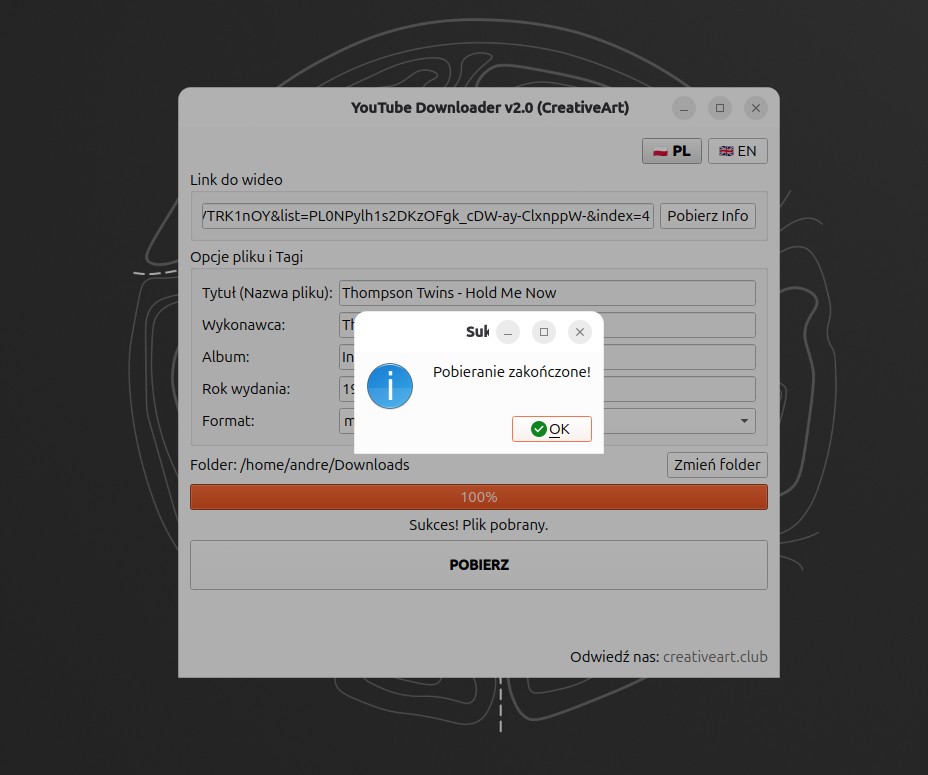
Building your own tools gives immense satisfaction and full control. Instead of risking viruses from the web, we have clean Python code that does exactly what we want.
What did I gain from version 2.0?
- Convenience: I can download entire albums, tagging them immediately.
- Aesthetics: The application looks like a native programme.
- Knowledge: I learnt advanced FFmpeg handling, SSL troubleshooting, and “freezing” Python applications.
The application can be downloaded on SourceForge:
Linux Version (Ubuntu):
Windows Version (64-bit):
Leave a Reply